Ultimate Addons for Custom Product Designer
Support platforms Wordpress/WooCommerce, Opencart, PrestaShop
Thank you for purchasing our product. If you need help or have any question please email to info@tshirtecommerce.com. Thank you so much!
1. Installation
You only install and update addons via FTP. Please do step by step to install addon.
Step 1: Download addon
Download addon from codecanyon.net and unzip on your computer
Step 2: Upload to your server
Use FTP software connect to your server and upload folder tshirtecomemrce to folder root of your site. You need override some files in this folder.

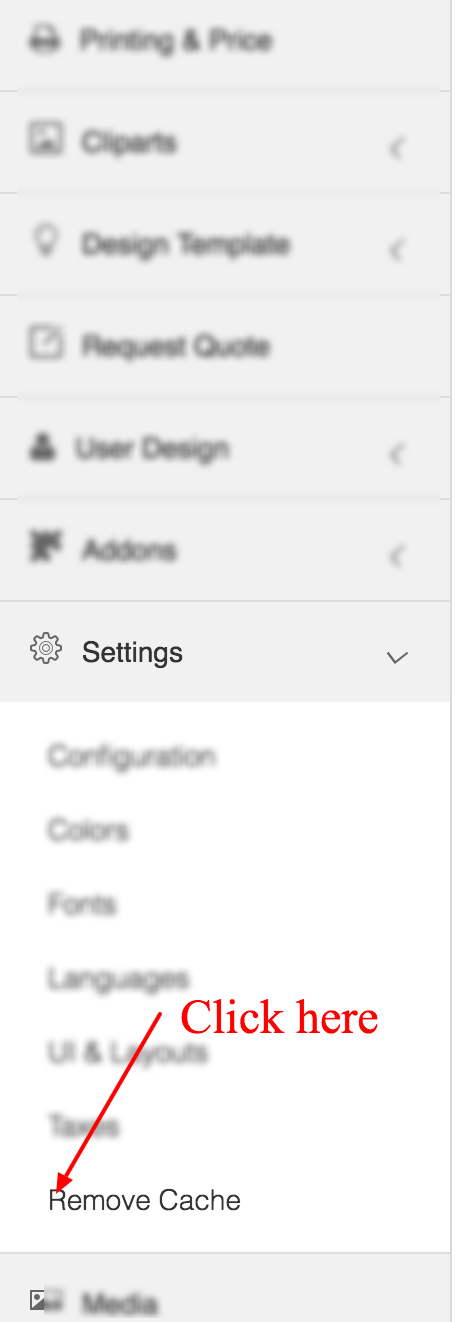
Step 3: Remove cache
Login admin page of your site and open menu Product designer > Settings and click menu "Remove Cache".
2. Configuration
Addon included 2 new layouts Default Pro and Editor Pro. You need active this layout to use.
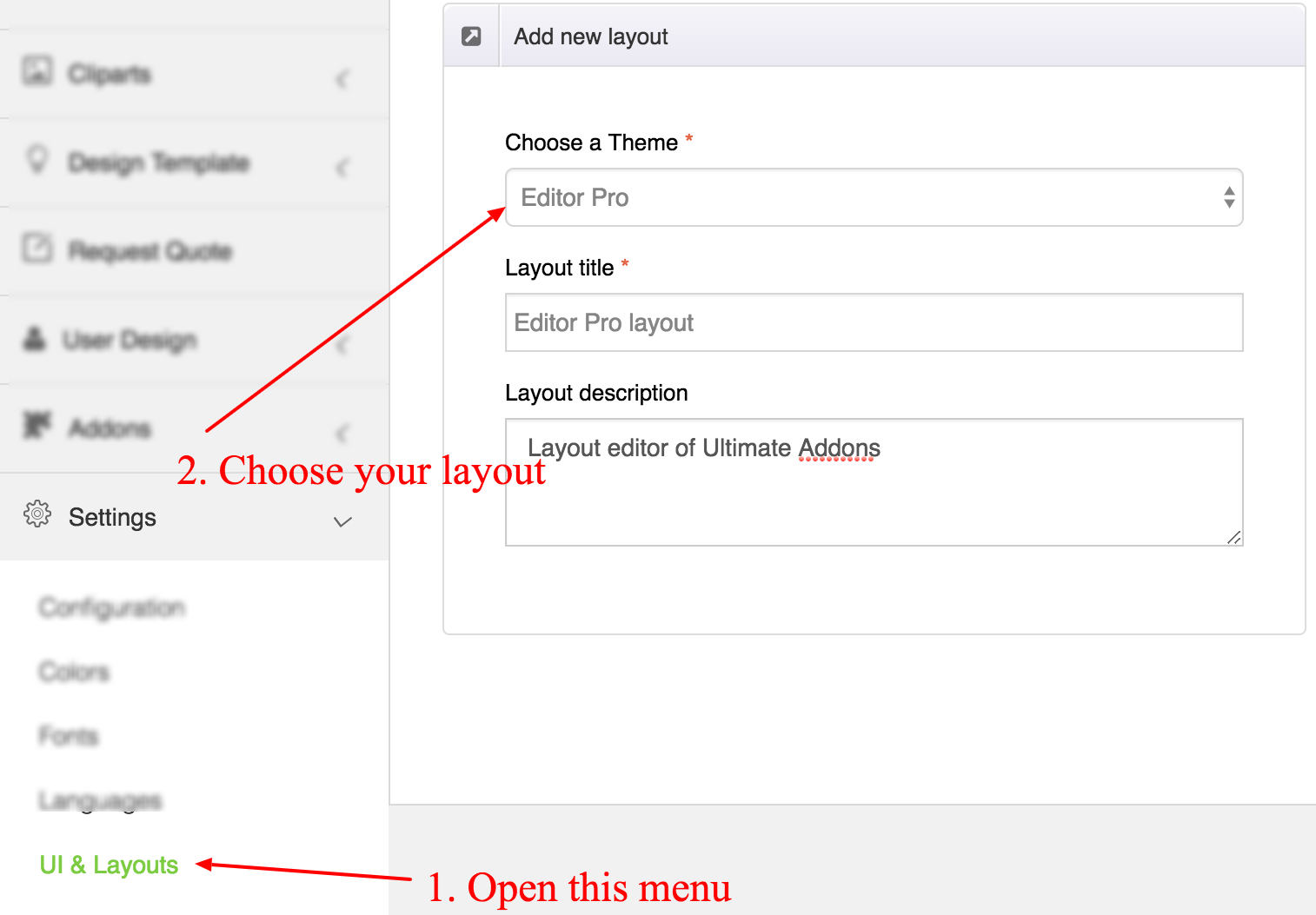
2.1. Add new layout
- Login admin page of your site
- Go to Product designer > Settings > UI & Layouts
- Click button add new layout
- Choose layout you want, add info and save
2.2. Active new layout
Go to page edit product and choose layout you want use
2.3. PixaBay settings
Please create API of PixaBay to download free photo from PixaBay.
- Go to this link https://pixabay.com/service/about/api/
- Login and create your API
- Open file tshirtecommerce/includes/pixaBay.php
- Go to line 23
- Change "YOUR_API_HERE" to your API
2.4. Other settings
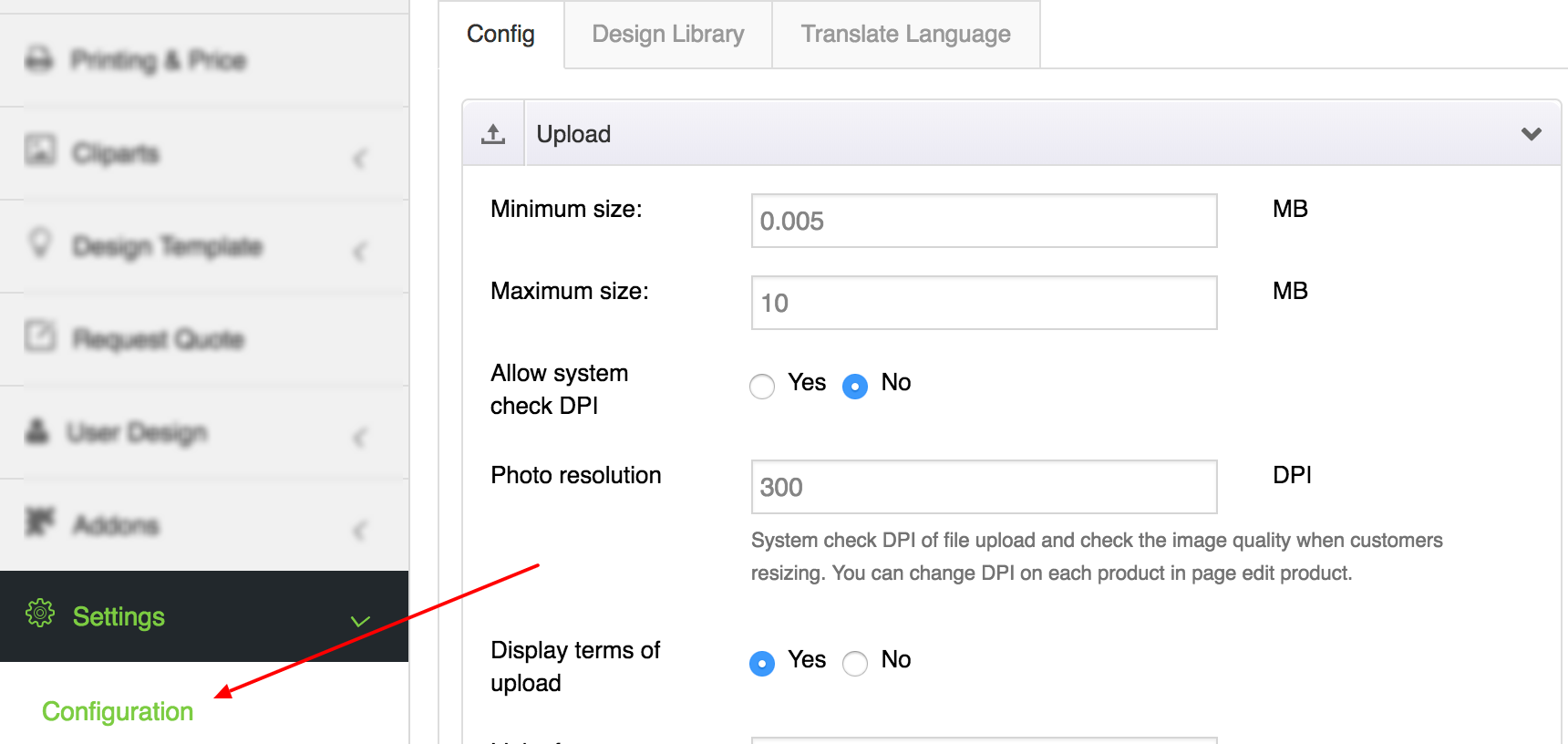
Please completed more setting of addon in menu Product designer > settings